Acoustic Guitar Overdub Using a Capo (Example 2)
In this video
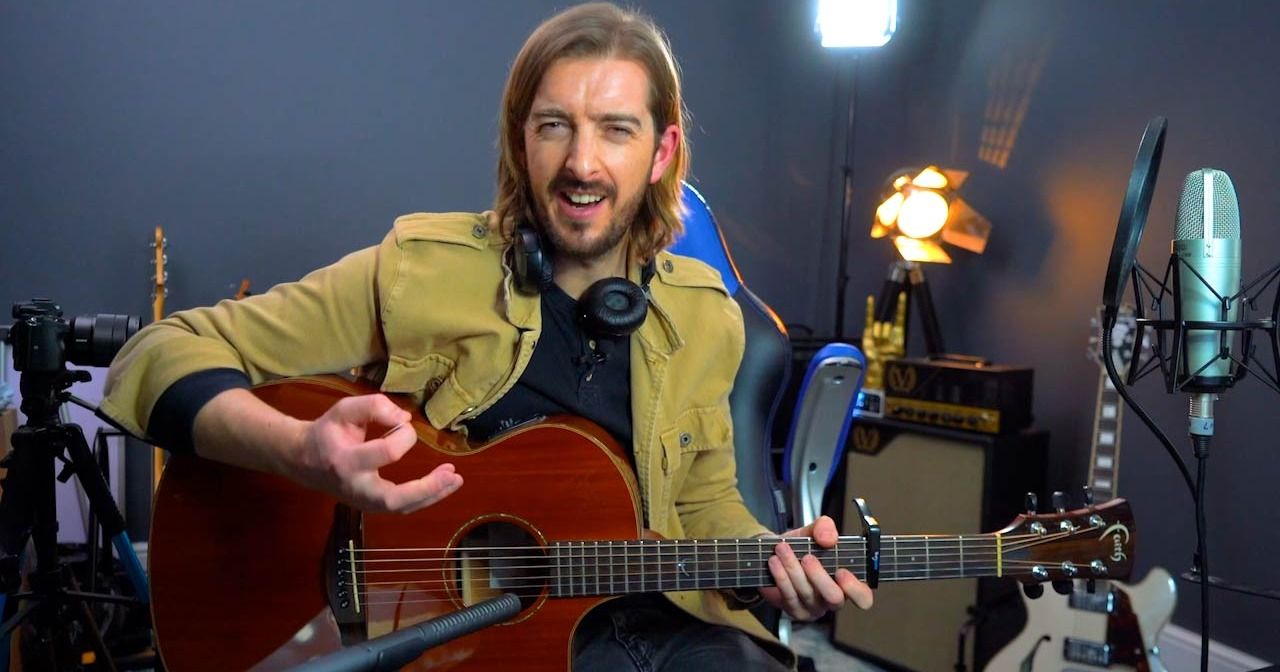
In this lesson Andy creates an Overdub guitar part to support the main rhythm guitar part in this song. Using a capo gives a bit of variation to the song by creating some higher voicings, and the arpeggiated chords separate the Overdub from the main rhythm part.
Complete knowledge of how to use a capo for overdubs in any situation comes from experience along with knowledge of the CAGED system.
Key points
- Using the metronome (a.k.a. the click) helps to keep all the different parts together
- Using the count in will help you to start at the same time as the previous recordings - it counts one bar of clicks before it starts the recording to give you time to hit record and get ready to play
Home Recording With Garageband
Home Recording With Garageband
Course Trailer - Learn Home Recording With Garageband
Introduction
Why GarageBand?
Mac vs iPad vs iPhone
How to record Electric Guitar
Recording Electric Guitar to a Backing Track
Recording Acoustic Guitar
Recording Acoustic Guitar to a Backing Track
Acoustic Guitar Overdub Using a Capo (Example 1)
Piano Roll and VSTs
Recording Vocals
Recording Vocals and Acoustic at the same time
Acoustic Guitar Overdub Using a Capo (Example 2)
Recording Vocal Harmonies
Creating your own MIDI VST Drum Tracks 1
Creating your own MIDI VST Drum Tracks 2
Adding a Bassline and Finishing Touches
Mastering Made Simple
Limitations of GarageBand
Advice for Song Writing
Home Recording Finale